Import Locale
We can import an existing locale by navigating to in the main menu and then clicking on Import button on the list of locales.
We can import a locale as a ZIP package. Such a package can be created as an export from FAIR Wizard. We can also select multiple files at once.
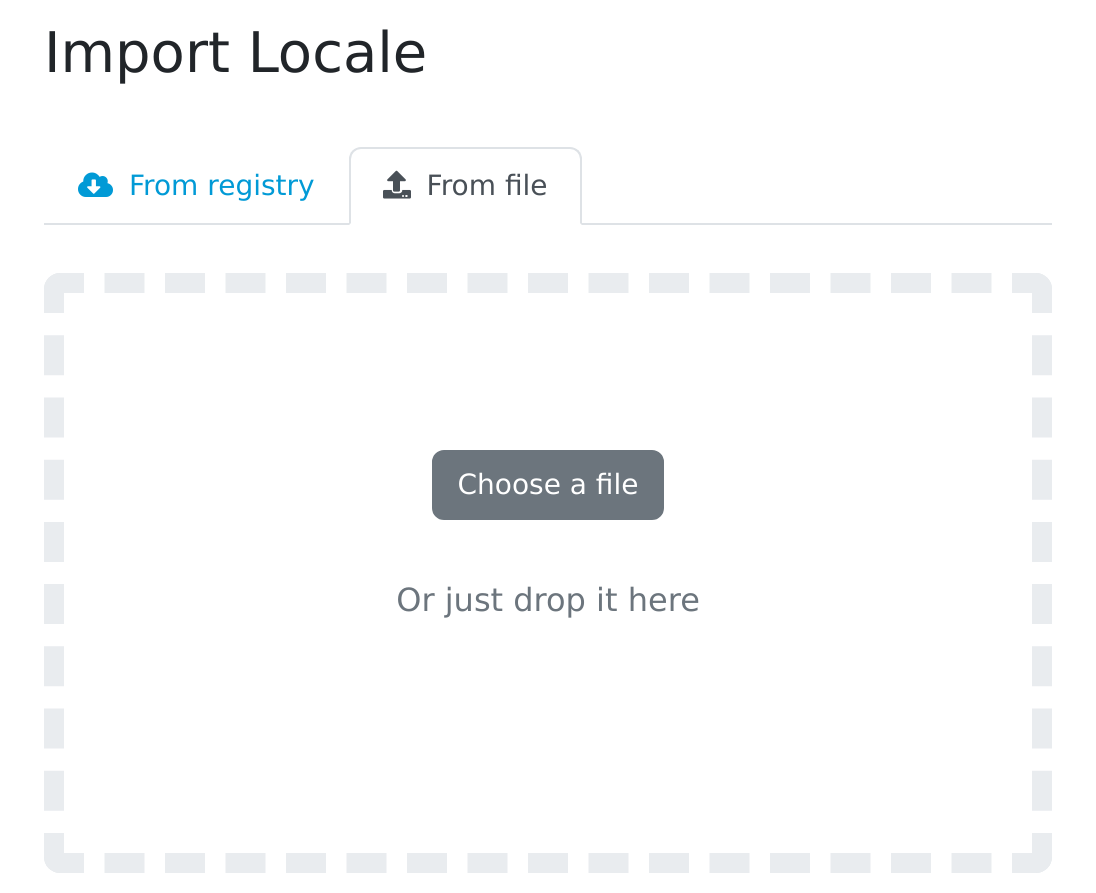
Input for importing a locale using a ZIP package (exported from some other FAIR Wizard instance).